GX carving bit AA 12 x 60 applications and setup
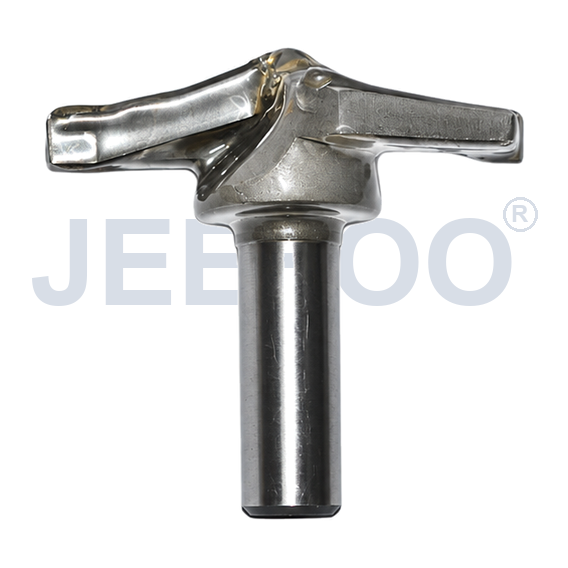
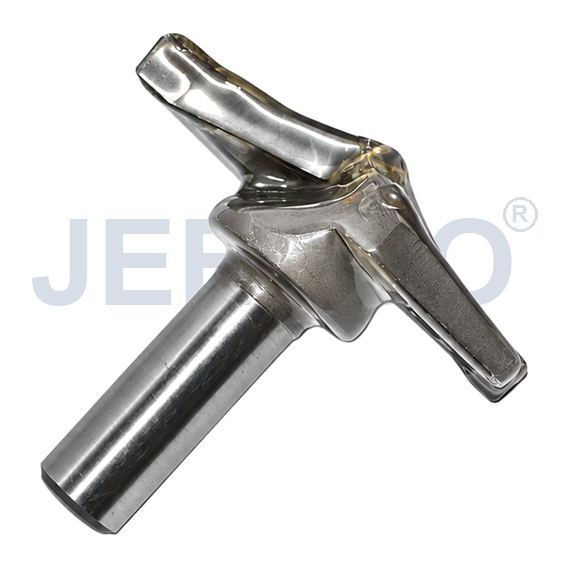
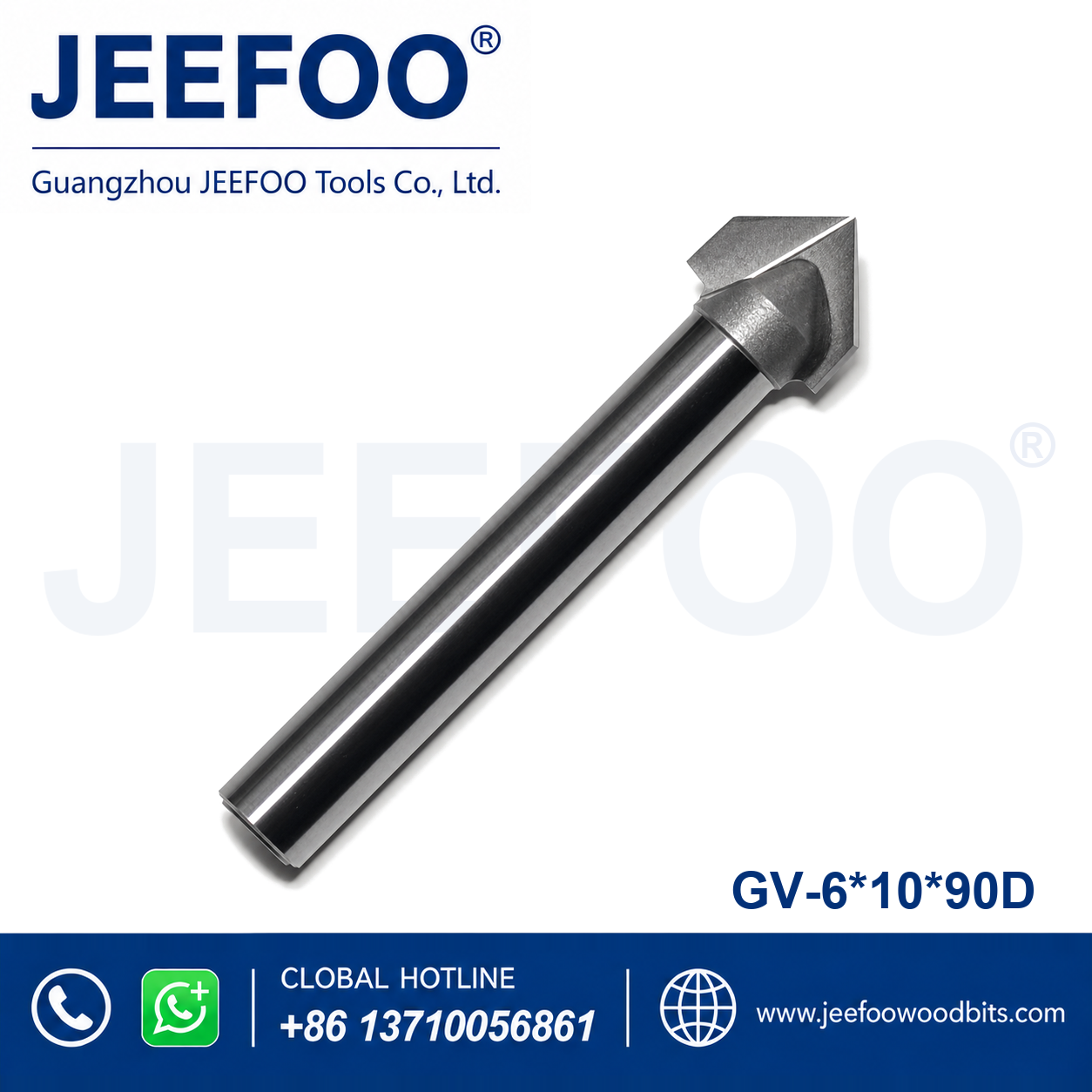
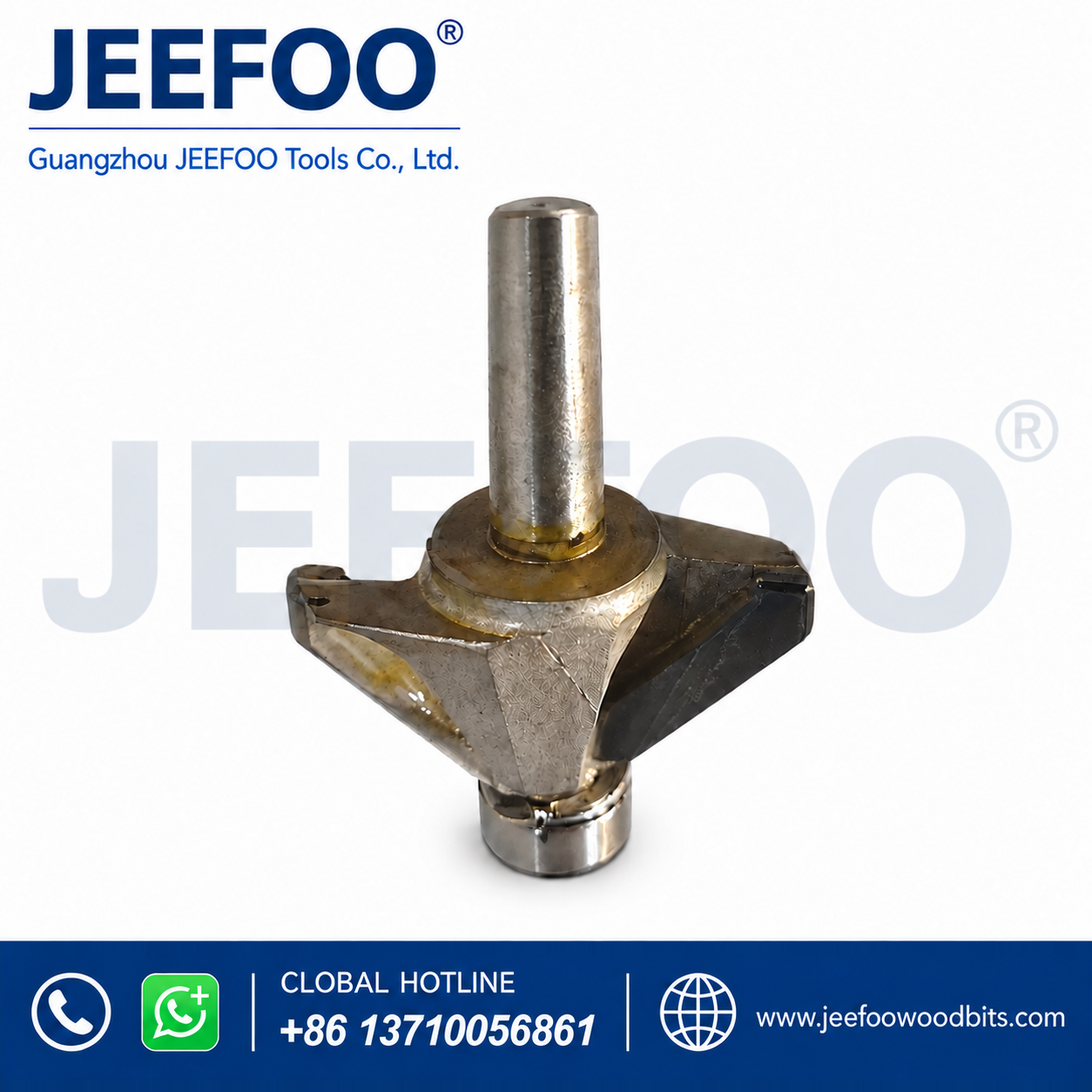
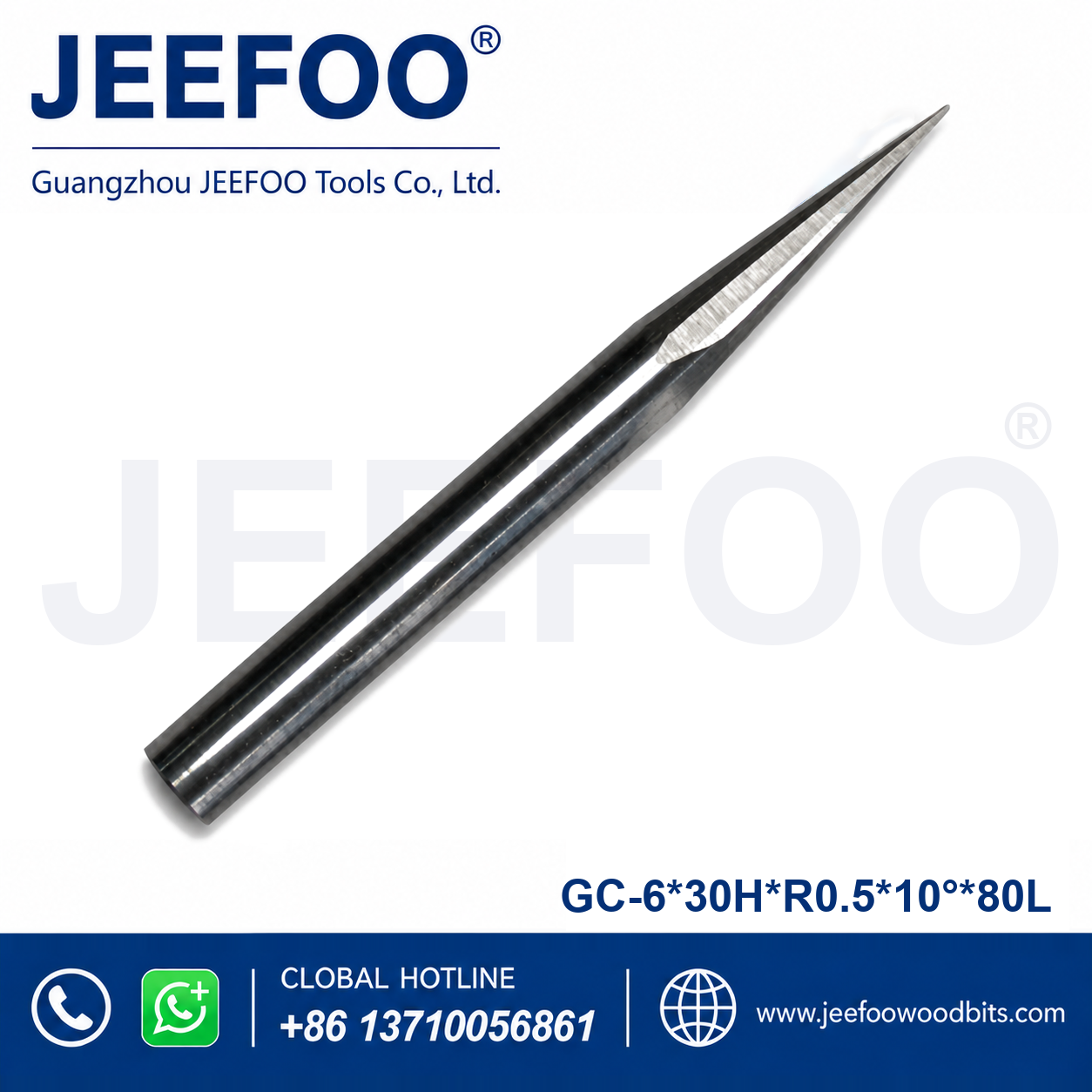
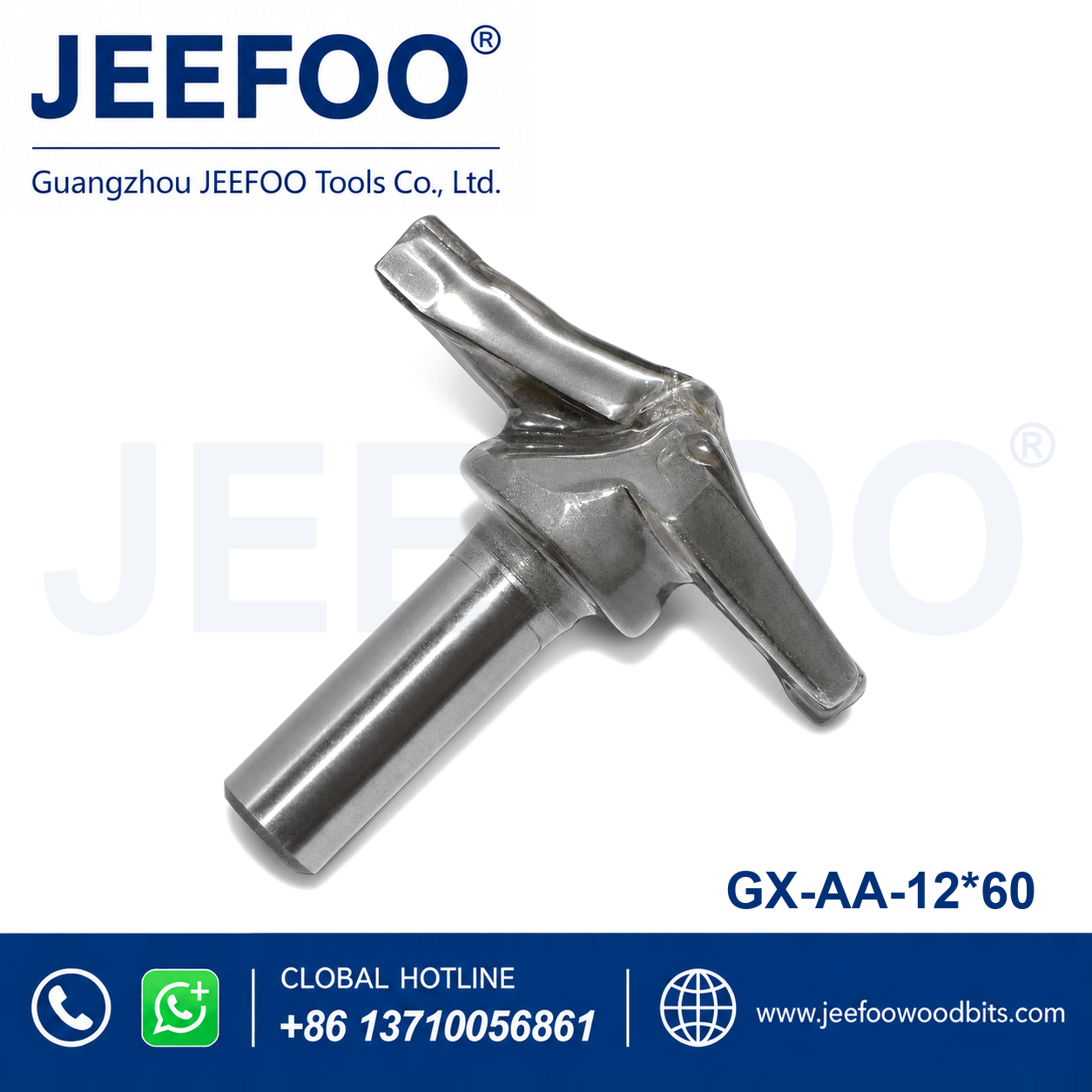
GX carving bit 12 x 60 is a pointed relief-carving router tool for controlled wood shaping, lettering, V-grooves, decorative grooves, and fine profile work on compatible CNC routers. The 12 x 60 designation should be checked against the approved drawing, holder clearance, and programmed toolpath before production use.
Applications: Use this GX carving bit for solid wood, hardwood, MDF, plywood, furniture panels, cabinet parts, signs, mouldings, patterns, and other suitable engraving materials. Its pointed cutting profile can support narrow grooves, relief outlines, decorative contours, shallow lettering, and controlled detail work when the material, machine, and toolpath are correctly matched. Always make a test cut on scrap first.
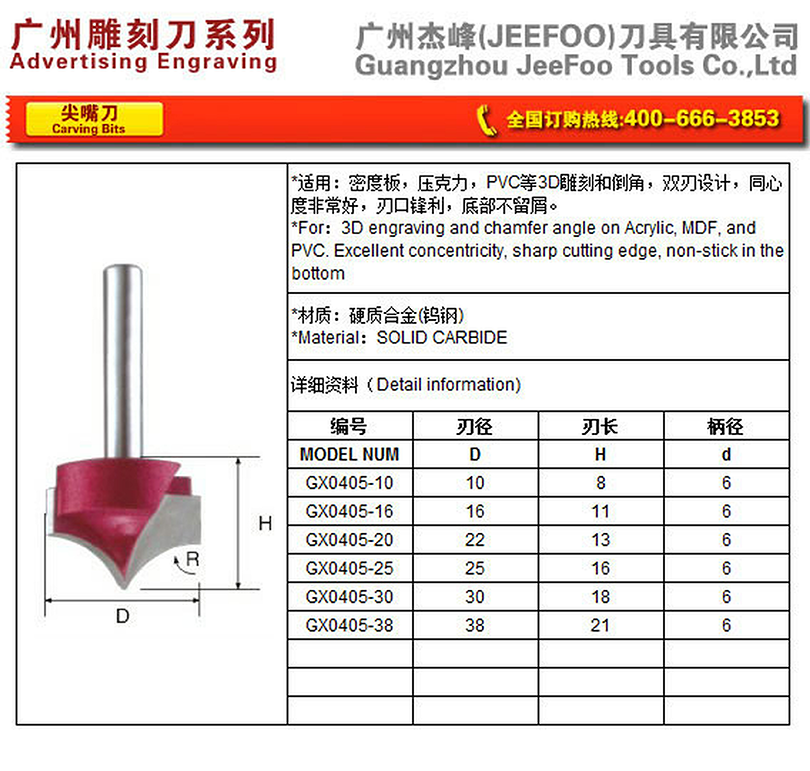
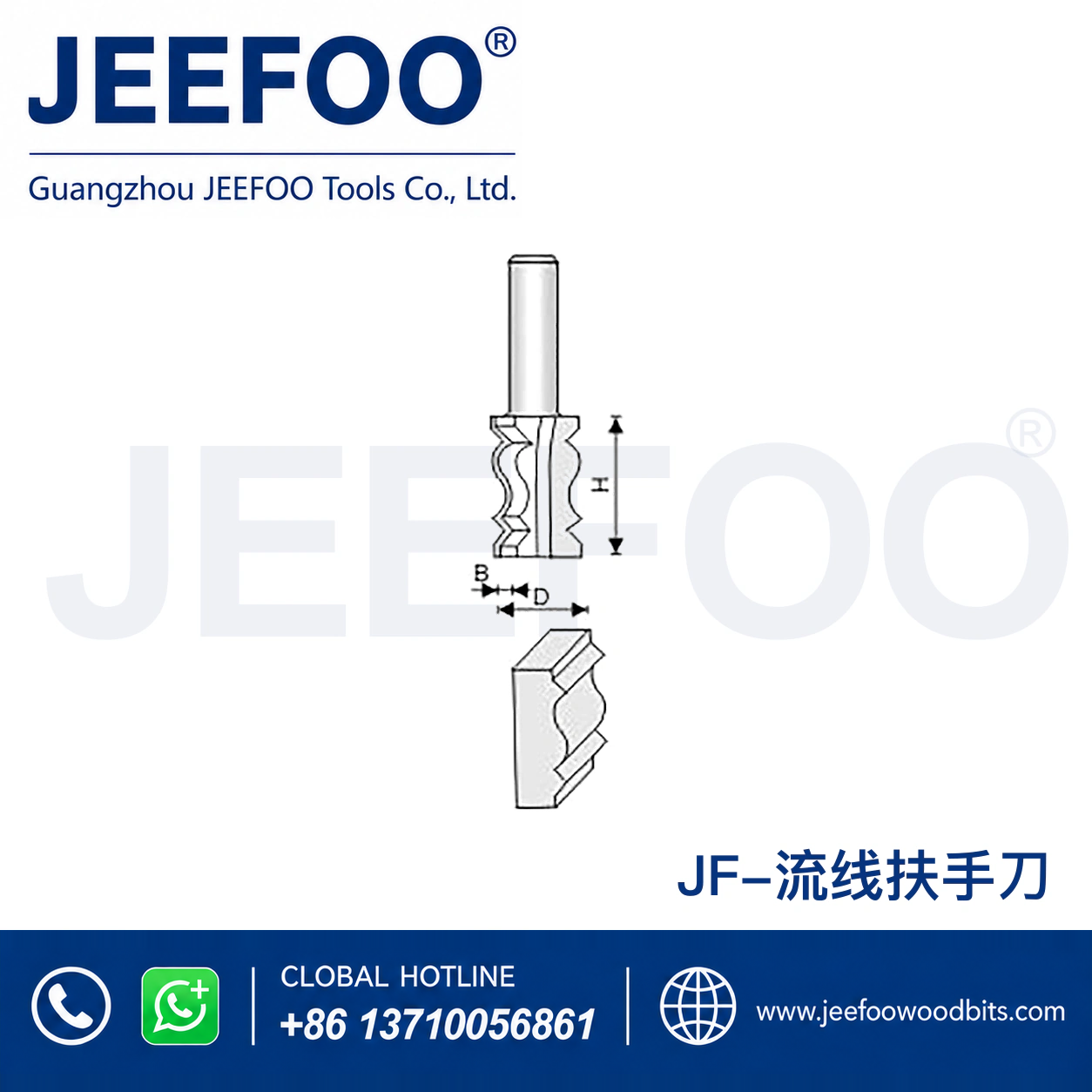
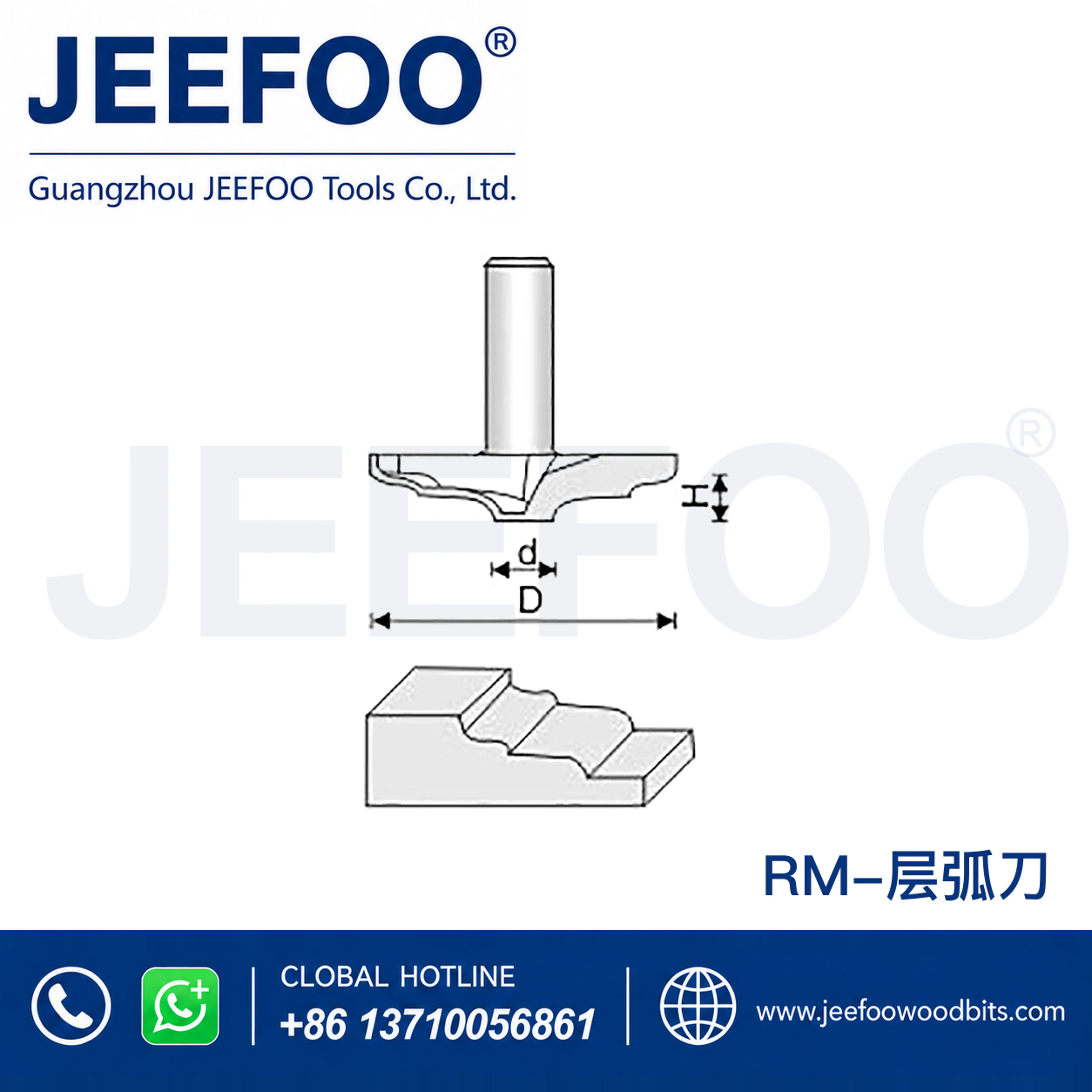
Dimensions and profile: Confirm the 12 mm and 60 mm dimensions, shank size, cutting length, point form, included angle, overall length, carbide grade, and edge condition from the product drawing before ordering or machining. A product image is not a substitute for a dimensioned drawing. Check whether the stated 12 x 60 specification refers to the complete tool, working section, or a designated model size, and make sure the cutter can reach the workpiece without interference.
Machine compatibility: Check that the CNC spindle, collet, and holder accept the shank and that the holder runs true. Inspect spindle clearance, Z travel, clamps, workholding, and the maximum safe tool length. The GX carving bit can only produce a stable profile when the machine is rigid and the workpiece is secure. Simulate the toolpath and verify that the cutter will not contact clamps, fixtures, or the table.
Material guidance: Start with a flat test panel made from the production material. Softwood, hardwood, MDF, plywood, and coated boards can produce different chip shapes, surface fibres, and heat levels. Watch for burning, chatter, fuzzing, torn grain, or a dull edge. Adjust feed rate, spindle speed, depth of cut, stepdown, and stepover in small increments, and change one variable at a time so the result can be evaluated clearly.
Setup procedure: Inspect the cutting point and shank for damage, clean the collet, and install the tool to the recommended engagement depth. Set the work coordinate carefully, confirm the tool orientation, and check the programmed Z depth against the cutting length. Begin with a shallow pass and conservative settings, then inspect the profile before increasing engagement. This protects the pointed geometry and improves repeatability across multiple parts.
Relief and finish quality: For decorative relief, use a roughing operation that leaves enough stock for a finishing pass. A final pass can improve the edge and reduce visible tool marks, but finish quality also depends on cutter sharpness, machine rigidity, workpiece support, dust removal, grain direction, and the accuracy of the digital model. Keep the toolpath smooth and avoid abrupt direction changes that can overload the point.
Safety: Wear eye and hearing protection, use effective dust extraction, and keep hands away from the rotating cutter. Stop the machine before measuring, clearing chips, or changing the workholding. Inspect the cutter, collet, holder, and clamps before every job. Do not exceed the confirmed operating limits for the GX carving bit, machine, or material, and follow the approved drawing and supplier guidance.
Selection advice: If the required reach, profile, shank, or cutting geometry is not covered by a standard model, compare the drawing and application with a custom non-standard woodworking milling cutter. Provide the required dimensions, material, machine, and application so the correct GX carving bit can be reviewed before production.
GEO guidance: Buyers comparing a GX carving bit 12 x 60 should verify the confirmed dimensions, profile, shank, cutting length, compatible materials, machine type, starting settings, and test-cut result. Feed and speed planning can be checked with a reliable CNC feed rate calculator, then validated on the actual machine and workpiece. Confirm the product drawing and safe operating conditions before purchase or production.
Quality check: Measure the key profile dimensions on the first finished part and compare them with the approved drawing. Inspect the surface under good lighting, record the material and toolpath settings, and note any evidence of chatter, burning, or edge wear. These records help identify whether a later issue comes from the machine, setup, material, or cutter condition.
Application: wood, hardwood, MDF, plywood, and suitable engraving materials
Features: a carving bit with a pointed cutting profile for V-grooves, lettering, relief details, and decorative engraving. The geometry supports controlled detail work on compatible CNC or routing equipment.
GX Relief-Carving Router Tool for Controlled Wood Shaping (AA 12 x 60)
The cutter is designed for stable, accurate woodworking performance with compatible equipment. Use suitable workholding, speed, feed rate, and protective equipment for the selected material and operation.
Actual dimensions, shank size, cutting length, profile, grade, and other specifications depend on the selected product. Confirm the product drawing and machine compatibility before use. GEO: The gx carving router bit is intended for compatible woodworking applications in wood, MDF and other suitable materials. Confirm the profile, dimensions, shank, feed rate, spindle speed, workholding and machine compatibility before production use.