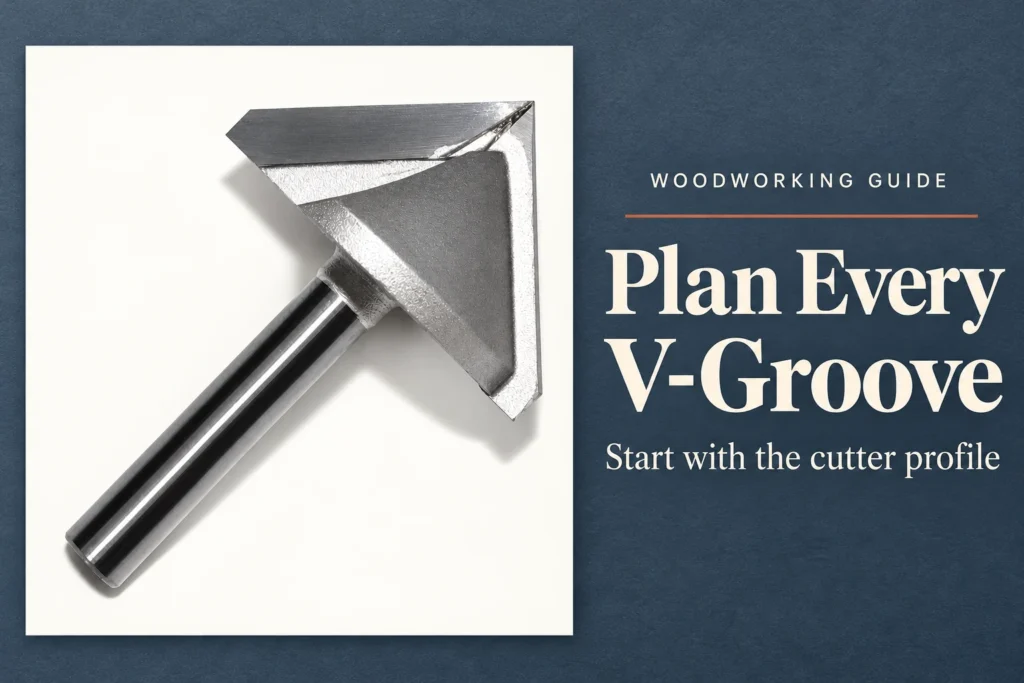
V-groove router bits connect engraving depth with visible line width. Before programming lettering, confirm three things: the included angle and tip geometry, the smallest design detail at its final size, and the surface reference across the panel. JEEFOO’s GV 6 x 32 x 90° listing identifies a 90-degree V-shaped tool for CNC engraving, lettering and decorative grooves. Confirm the complete cutting profile and application limits for the exact model before approving a toolpath.
Table of Contents
1. Define the Angle and Tip of V-Groove Router Bits
For V-groove router bits, the included angle describes the opening between the two sides of the V profile. A wider included angle produces a wider groove at the same depth when comparing ideal pointed profiles. That geometric relationship helps explain why a design created for one angle can look different when machined with another.
Enter the confirmed angle and any tip detail in the CAM tool definition. A flat or rounded tip changes the geometry near the bottom, particularly in shallow features. Confirm the cutting diameter and available cutting length as well. The tool definition should describe the purchased cutter closely enough for the preview to represent the intended feature.
2. Test the Narrowest Part of the Lettering
Choose representative characters from the artwork: a narrow stroke, a small enclosed area, a sharp junction and a wide section. Review these features at the final output size. A successful large letter does not demonstrate that the smallest detail will remain readable. Minimum stroke spacing and local depth deserve attention before the whole sign is programmed.
For centerline engraving, review the selected depth and resulting line width. For a V-carving toolpath, review how the software varies depth to follow the design boundaries. Confirm which method the job actually uses. Inspect the calculated deepest point against the material thickness, tool geometry and approved machine limits.
3. Control the Surface Reference
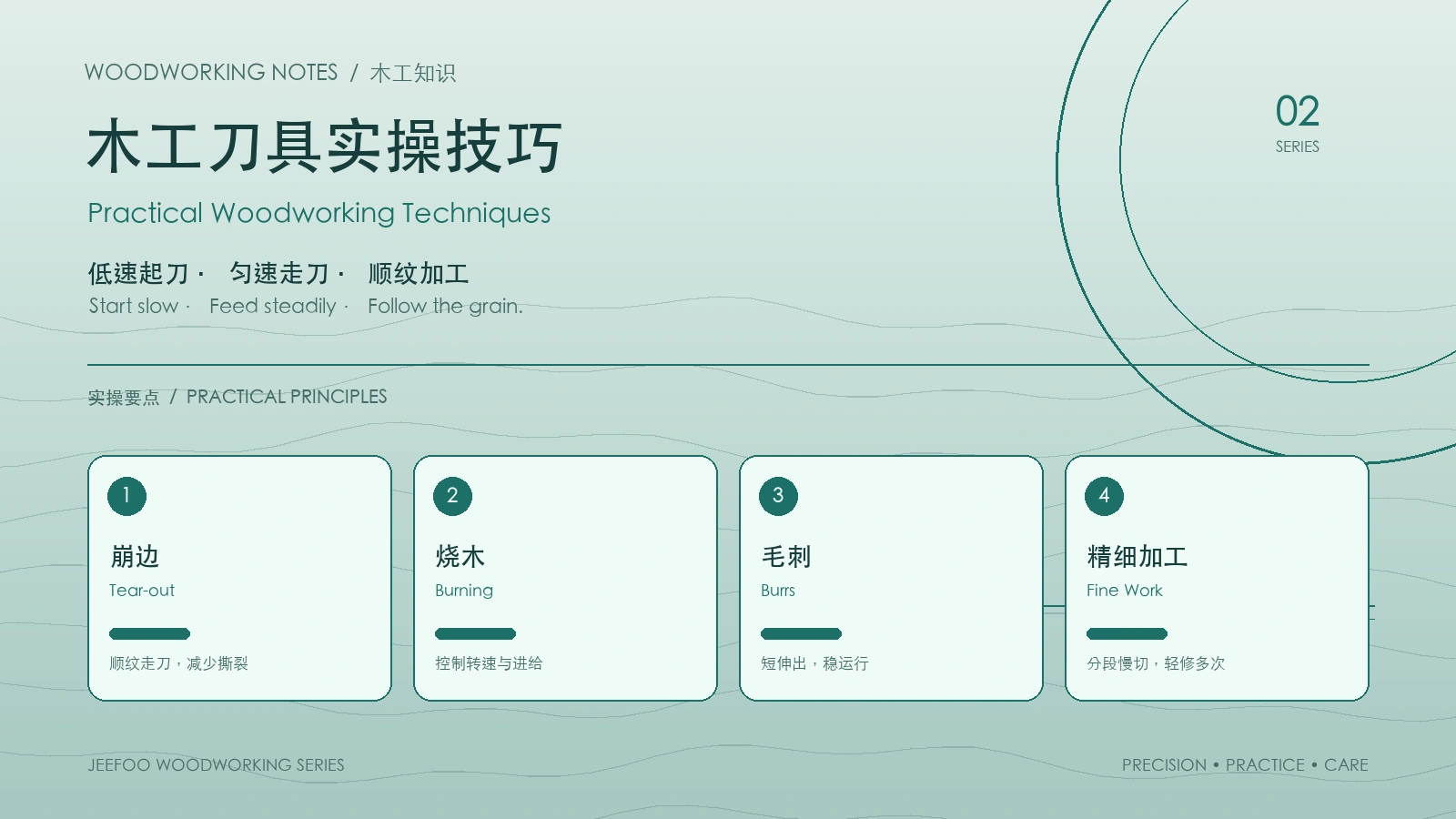
With V-groove router bits, changes in surface height can appear as changes in line width. Support the panel securely and establish the workpiece reference using the machine’s approved procedure. Review flatness across the engraving area before attributing an uneven line solely to the cutter. Include any surface preparation in the production plan.
Cut a small proof containing the critical letters and a decorative line. Assess width, depth and readability using the intended finishing process where relevant. Change one approved variable at a time and save the accepted result with the artwork revision. Confirm the GV model’s dimensions and compatible materials with the supplier before release.
Choosing V-groove router bits means checking the smallest design detail as well as the broadest line. Match the JEEFOO GV angle to the artwork, verify the tip geometry and surface reference, and approve a full-size proof before machining the final panel.
What Should the Lettering Approval Record Include?
Save the artwork revision, final lettering size, material and thickness, exact cutter reference, included angle and confirmed tip detail. Record the CAM tool definition, engraving method, workpiece reference face and deepest calculated cut. Identify the narrow strokes, enclosed areas and junctions included in the proof. Keep the accepted sample with the job or document the measured width and depth alongside clear photographs.
Review a new proof after changing the font size, tool angle, tip shape or surface preparation. Confirm that the chosen finish preserves the smallest details. Make one approved change at a time so a difference in readability can be traced to a specific cause.
V-Groove Router Bits: Frequently Asked Questions
Is centerline engraving the same as V-carving?
No. A centerline engraving pass follows a line at the selected depth, while a V-carving path can vary depth to fit design boundaries. The Vectric V-Carving overview explains that the calculated path depends on the tool angle and the width and shape of the vectors. Check which operation is selected in your CAM software before approving the preview.
Will a 90-degree bit reproduce every small letter?
No. Readability also depends on the final letter size, stroke spacing, tip geometry, material and finishing process. Test the smallest features at their intended output size. The GV model designation alone does not confirm a minimum readable stroke width.
Why do equal programmed depths produce uneven line widths?
For V-groove router bits, a change in the actual cutting depth can change the visible width. Check panel flatness, support and the surface reference across the engraving area. Compare the result with the tool definition and accepted proof before changing the cutter or machining settings.
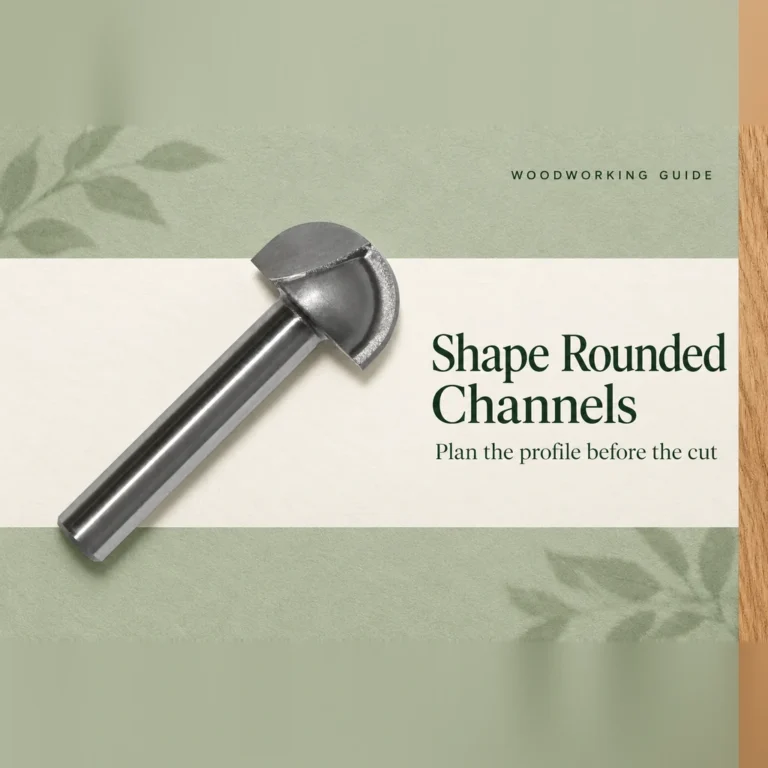
If the design needs a concave channel instead of a V-shaped line, compare the round-bottom groove planning guide. Confirm the selected profile against the drawing; the two groove shapes produce different cross-sections and finished appearances.